WinShift Forge: The Ultimate Windows 11 Command Center

"Stop digging through settings—WinShift Forge simplifies Windows, letting you instantly strip away unwanted bloatware and craft a custom look with perfect icons for your system essentials."
Price: Freeware
Price: Freeware |

Tired of a cluttered, generic Windows experience? WinShift Forge gives you total command over your OS. Whether you're stripping away unwanted system "bloat," overhauling your desktop’s visual identity, or managing advanced developer environments, WinShift Forge puts the power back in your hands—no confusing registries or deep system menus required.
🚀 System Debloat & Cleanup
Take back your system resources and clean up your Start Menu.
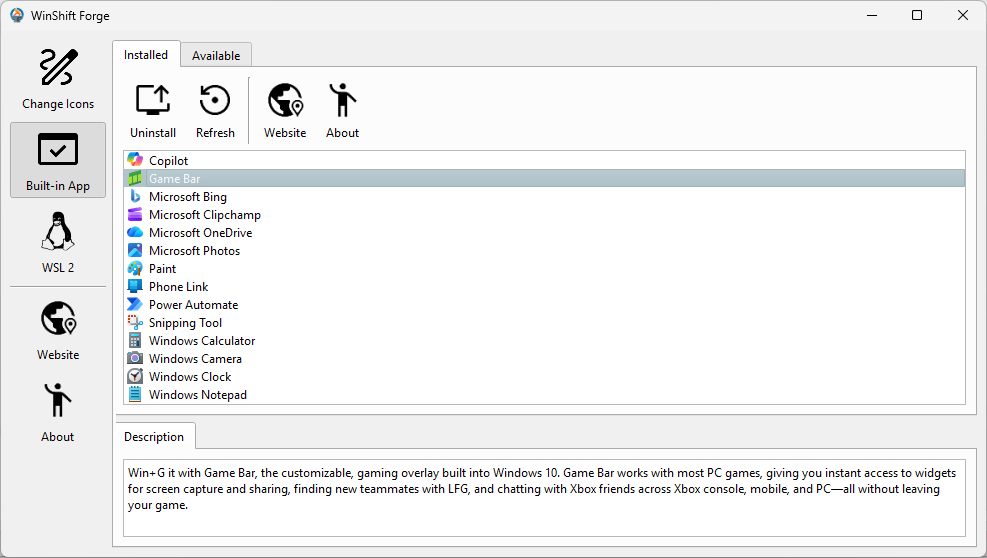
- Bloatware Removal: Instantly uninstall pre-packaged Windows 11 "bundles" like Game Bar, Microsoft To Do, News, and more.
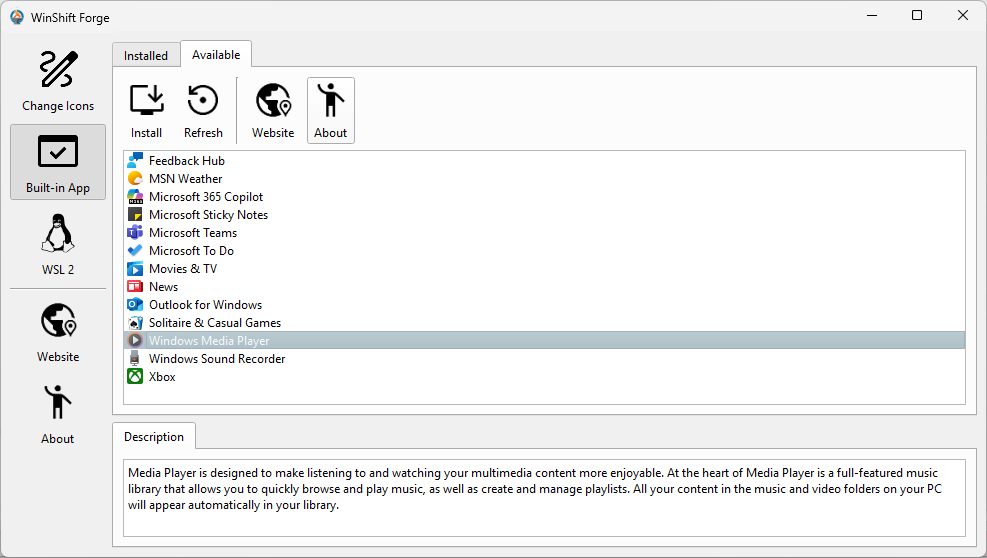
- One-Click Restore: Change your mind? Use the built-in library to safely reinstall any removed app whenever you need it.
🎨 Visual Identity: Personalize Your PC
Replace the default, boring icons for the items you use every day.
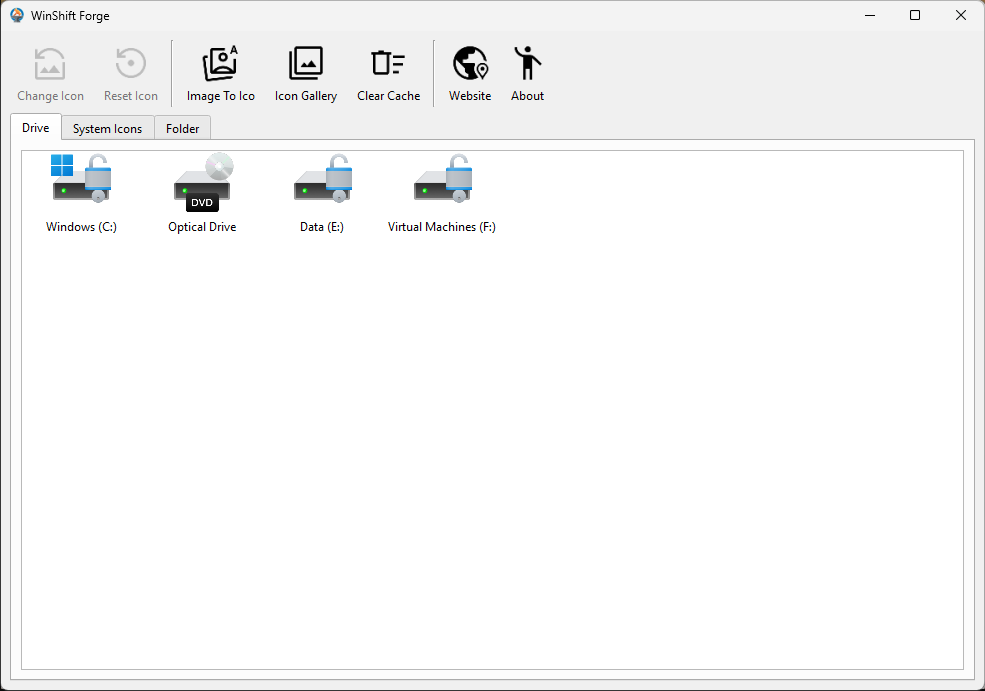
- Quick Icon Takeover: Change essential system spots like This PC and the Recycle Bin.
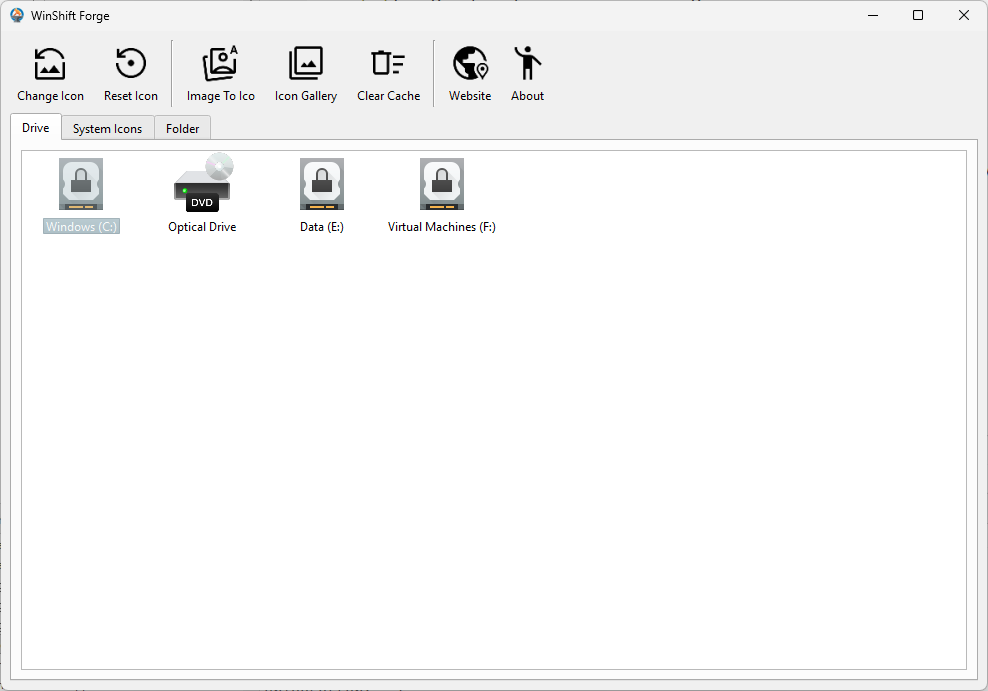
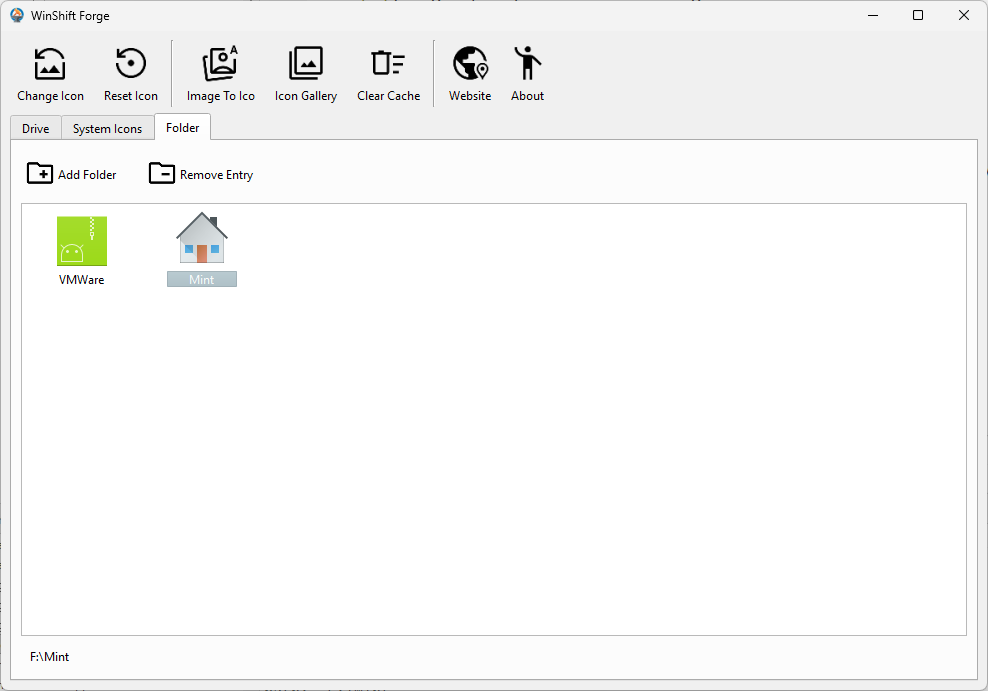
- Drives & Folders: Give local disks (C:, D:, etc.) a unique look and apply custom icons to any standard folder.
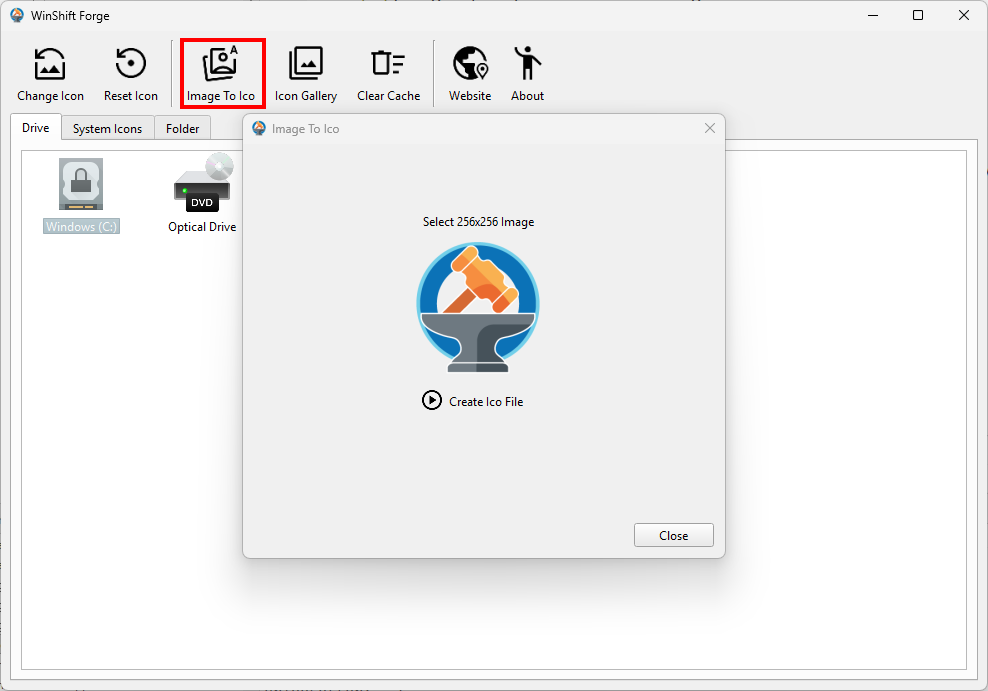
- Easy Icon Creator: Turn any standard image (PNG, JPEG, etc.) into a perfect Windows .ico file instantly.
🛠️ Built-in Maintenance Tools
We handle the technical hassle so your PC stays sharp and fast.
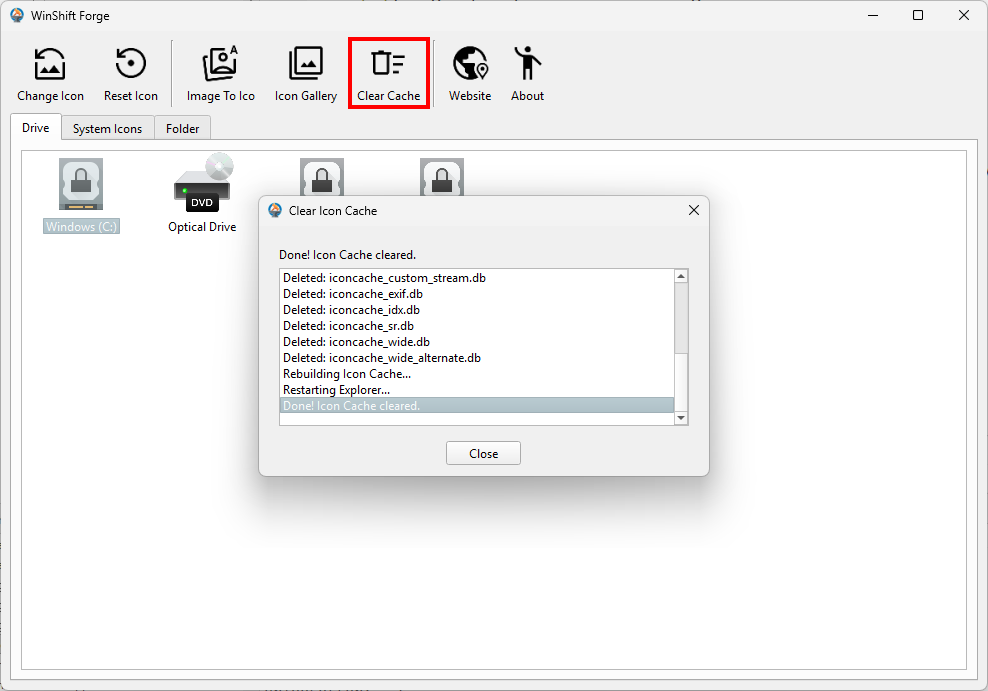
- Icon Cache Fix: Force Windows to show your changes immediately. Our tool clears the icon cache with one click—no restart required!
- Lightweight & Safe: WinShift Forge works safely behind the scenes to deliver instant results without slowing down your machine.
⚙️ Simple. Clean. Stunning.
WinShift Forge is designed for every user. From stripping away annoying clutter to crafting a custom aesthetic, it’s the only tool you need to make Windows 11 truly yours.
v1.1.0 Release Notes
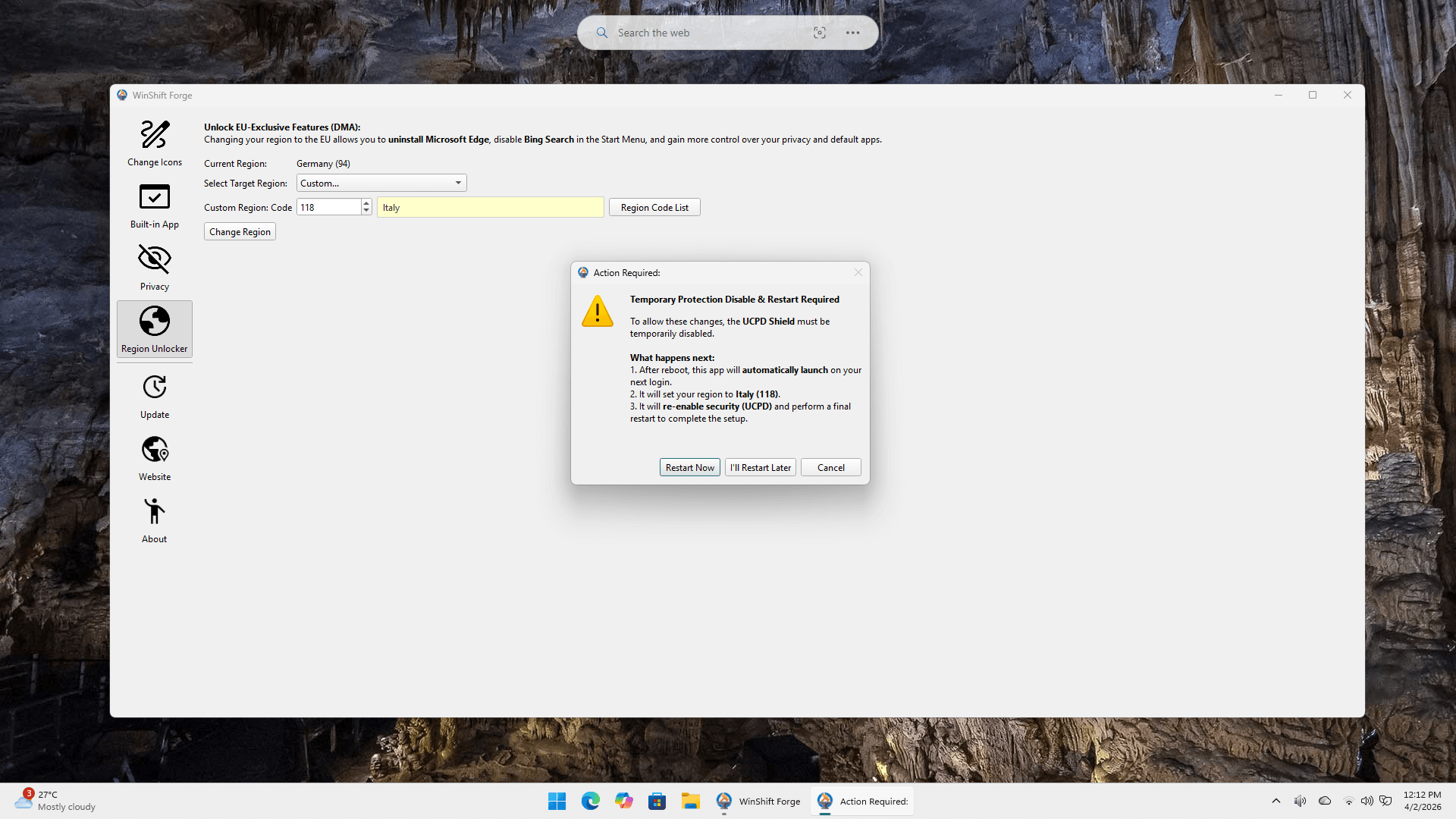
Region Unlocker: Added an option to set the Windows Device Region to a specific GeoID code, allowing users to manually trigger EU-exclusive features mandated by the Digital Markets Act (DMA). By switching to an EEA region like Germany (94) or Ireland (68), you can fully uninstall Microsoft Edge, remove Bing from the Start menu, and significantly reduce system bloatware..
Gallery